What a AAC file actually is
AAC, Advanced Audio Coding, is the codec that replaced MP3 in everything Apple sells, in YouTube, in broadcast and in most video files. Normally it lives inside a container: an .m4a for audio alone, an .mp4 or .mov for video. A file that ends in .aac is the stream on its own, a sequence of ADTS frames with no index, no tags and no length.
You meet a bare .aac when something extracted or recorded the stream without wrapping it: an audio track pulled from a video with a low-level tool, a radio stream saved to disk, a recorder app that writes ADTS, or a download from a site that never bothered with a container. It sounds identical to the M4A it could have been. It just behaves worse.
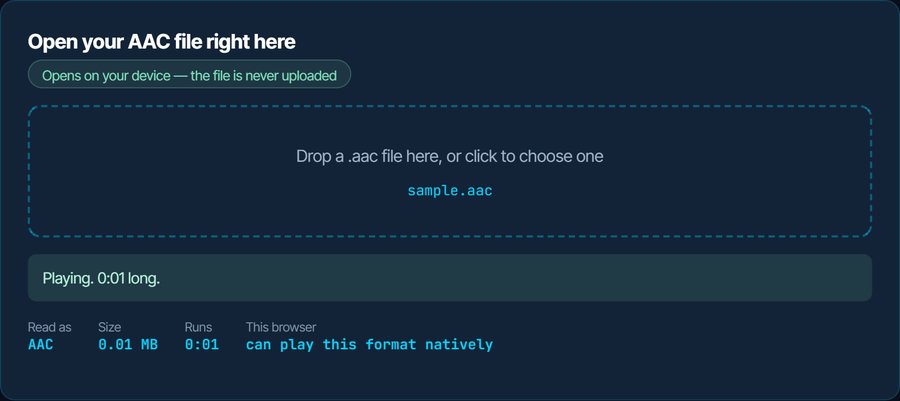
Because there is no index, a player must read the file from the start to know how long it is, and jumping to a position means scanning. That is why the length shows as unknown, why scrubbing is jerky or refused, and why some players decline the file outright. The inspector above plays it if the browser can, and the fix for every problem below is the same ten-second conversion.
How to open a AAC file on each device
Windows
Media Player and the Films & TV app open a raw .aac on Windows 10 and 11, without a duration until the file has been read once. VLC and foobar2000 play it normally. Audacity needs its FFmpeg library for AAC, as it does for M4A.
macOS
QuickTime Player and Music refuse a bare .aac, although both play the same audio wrapped in an M4A. VLC and IINA play it. Convert to M4A below and Apple's apps take it; the audio is not re-encoded.
iPhone and iPad
Nothing built in plays a raw .aac. VLC for iOS does. For Music, Files preview or a voice memo, convert to M4A; for anything else, MP3.
Android
Android decodes AAC natively and most players open the bare stream, again without a reliable duration. VLC and MX Player handle seeking better than the built-in player.
In a browser
Chrome, Edge and Safari play an ADTS stream in an audio element; Firefox depends on the operating system. Chromium builds without proprietary codecs cannot decode AAC at all, which is what the inspector reports if it cannot play yours.
In an editor
Premiere Pro and Resolve import .aac inconsistently and Audacity needs its FFmpeg library. Convert to WAV for editing; nothing further is lost.
When it will not open, or opens wrong
The length shows as 0:00 or unknown, and you cannot skip ahead
A raw AAC stream has no header that states its length, so the player only knows the duration once it has reached the end.
The fix: Convert to M4A below. Same audio, no re-encoding, and the M4A header carries the length and an index, so every player can seek.
QuickTime, Music or the iPhone refuse it
Apple's apps read AAC only inside an MP4-family container.
The fix: Convert to M4A. The conversion is a remux: the stream is wrapped, not re-encoded.
It plays, but there are no tags or cover art
ADTS has nowhere to put metadata. The file cannot carry a title even if you wanted it to.
The fix: Convert to M4A or MP3 and add the tags there.
A car stereo or an old player skips the file
Many devices list AAC support but mean M4A; the raw stream is not in their playlist parser.
The fix: Convert to MP3 for old hardware, or M4A for anything from the last decade.
The audio came out of a video and sounds fine, but the file is oddly large or small
Nothing is wrong. AAC from a video is whatever bitrate the video used, often 128 kbps for web video and 256 kbps or more from a camera.
The fix: Leave it, or convert to MP3 at the bitrate you want with the audio converter. Converting up never adds quality.
You need the words, not the audio
A lecture or a meeting pulled out of a recording.
The fix: The speech-to-text tool on kliptools.io transcribes an .aac directly. Ten minutes a day are free.
What to do with it next
Questions people ask
What is an AAC file?
The raw AAC audio stream, without the MP4 container that an M4A file adds. Same codec, same sound; no index, no tags and no stated length.
What is the difference between AAC and M4A?
M4A is AAC audio inside an MP4 container. The container carries the duration, an index for seeking, and tags. A bare .aac has none of those, which is why it behaves worse in players.
How do I open an AAC file on a Mac or iPhone?
Apple's apps refuse the raw stream. Use VLC, or convert to M4A on this site, which wraps the stream without re-encoding it, after which QuickTime, Music and the iPhone play it.
Why can I not skip ahead in an AAC file?
There is no index to skip by. Convert to M4A and the player gets one.
Does converting AAC to M4A lose quality?
No. It is the same stream placed in a container; nothing is re-encoded. Converting to MP3 does re-encode and loses a little.
Is AAC better than MP3?
At the same bitrate, yes: AAC sounds better and is what streaming services use. MP3 wins only on compatibility with very old devices.