What a OGG file actually is
Ogg is a container, not a codec. The name on the file tells you the wrapper; what is inside is usually Vorbis, a patent-free lossy codec from 2000 that beats MP3 at the same bitrate, and increasingly Opus, its 2012 successor. Telegram voice notes are Opus in an Ogg file named .oga; game audio, Wikipedia media and Bandcamp downloads are mostly Vorbis in a .ogg. Both open the same way.
Technical merit never bought Vorbis consumer support. Apple ignored it for two decades, so QuickTime, Music, the Finder preview and every iPhone app refuse it, and that single fact is behind most of the “why will this not open” searches. Windows and Android decode it natively; the sticking point on Windows is the container, and one free download fixes it.
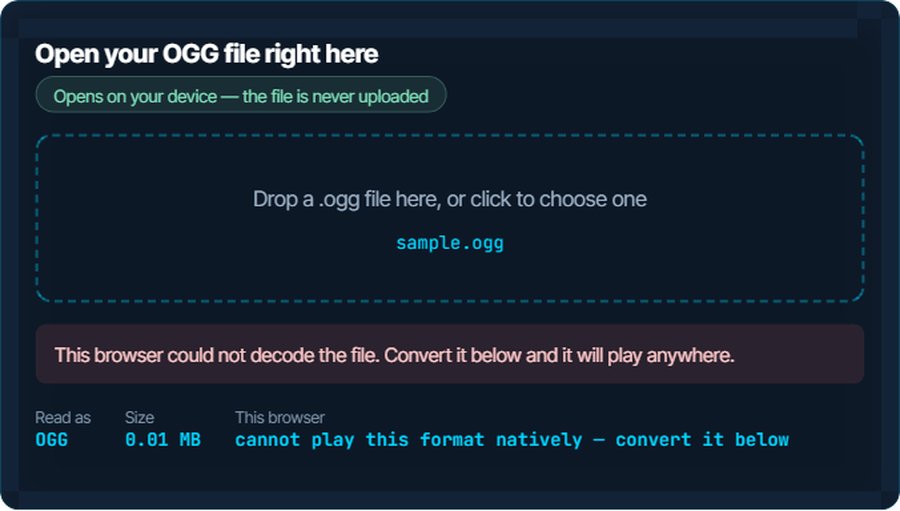
The inspector above asks your browser whether it can play the file and then plays it, so what it reports is what this device can actually do. Everything below is what to do when the answer is no.
How to open a OGG file on each device
Windows
Media Player and the Films & TV app play .ogg once the free Web Media Extensions package is installed from the Microsoft Store; without it they report an unsupported format. VLC, foobar2000 and Audacity play it with nothing extra. Double-click works after either step.
macOS
QuickTime Player and Music do not open .ogg, and neither does the Finder's space-bar preview. VLC and IINA do, free. To get the audio into Music or GarageBand, convert to M4A or MP3 below.
iPhone and iPad
No built-in app plays .ogg. A Telegram voice note plays inside Telegram; saved to Files, it will not preview. VLC for iOS and Documents by Readdle play it. Convert to M4A for anything else on the phone.
Android
Android has played Vorbis since the beginning and Opus since 5.0, so most players open .ogg. If a file manager refuses a Telegram .oga, rename it to .ogg; the container is identical.
In a browser
Chrome, Firefox, Edge and Opera play Ogg Vorbis and Ogg Opus in an audio element, which is what the inspector uses. Safari's support has been partial and version-dependent; the test above is the honest answer for your Safari.
In an editor or a video project
Audacity and most DAWs import .ogg directly. Premiere Pro, DaVinci Resolve and iMovie generally do not; convert to WAV for editing, or MP3 for a quick drop-in. Nothing is lost that the file's own compression had not already lost.
When it will not open, or opens wrong
Windows Media Player says the format is not supported
The codec is present on Windows 10 and 11; the Ogg container is not, until the extension is installed.
The fix: Install Web Media Extensions from the Microsoft Store, or use VLC. Or convert to MP3 below and forget about it.
The file is called .oga and nothing recognises it
.oga is the official extension for audio-only Ogg files and Telegram uses it for voice notes. Most software only knows .ogg.
The fix: Rename it to .ogg. Same container, same audio, and every player that reads .ogg reads it.
It plays, but the album art and tags are missing
Ogg stores metadata as Vorbis comments, not ID3 tags, and a player that only reads ID3 shows nothing.
The fix: Nothing is wrong with the file. Converting to MP3 or M4A on this site carries the title and artist across into tags those players read.
The file turns out to be video
An Ogg container can hold Theora video; those files are supposed to be named .ogv, but not everyone bothers.
The fix: VLC plays it either way. To keep only the sound, convert to MP3 or WAV; the video track is dropped.
The Telegram voice note sounds fine but an editor imports silence
The editor decodes Vorbis but not Opus, and a Telegram note is Opus.
The fix: Convert to WAV and import that. The converter reads both codecs.
You need the words, not the audio
A long voice note is faster to read than to hear, and you cannot search audio.
The fix: The speech-to-text tool on kliptools.io transcribes an .ogg or .oga directly. Ten minutes a day are free.
What to do with it next
Questions people ask
What is an OGG file?
Audio in the Ogg container, almost always compressed with Vorbis or Opus. It is a free, open format used by games, Wikipedia, Bandcamp and Telegram voice notes.
How do I play an OGG file on Windows?
Install the free Web Media Extensions package from the Microsoft Store and Media Player opens it, or use VLC, which needs nothing. Or convert it to MP3 on this site.
Why will my iPhone or Mac not open an OGG file?
Apple's built-in apps have never supported Ogg. Use VLC, or convert to M4A, which every Apple app plays.
Is OGG better than MP3?
At the same bitrate, Vorbis and Opus both sound better than MP3. MP3 wins only on compatibility, which is usually the reason to convert.
What is the difference between OGG and OPUS?
Same container, different codec. A classic .ogg holds Vorbis; an .opus holds Opus in the same Ogg wrapper. A Telegram .oga is Opus too.
Does converting OGG to MP3 lose quality?
A little, because MP3 re-encodes audio that was already compressed. For voice it is inaudible; for music, convert to FLAC or WAV if you want to lose nothing further.