What a BMP file actually is
The bitmap format arrived with Windows 3.0 in 1990 and has barely changed since: a small header, then every pixel in order, usually 24 bits each, with no compression at all. A 1920 by 1080 screenshot is 6 MB as a BMP and about 300 KB as a PNG, with not one pixel different between them. That ratio is the whole story of the format.
You meet BMP in old Paint files, in screenshots from older Windows tools, in files exported by scanners and scientific software that wanted the simplest possible format, in game modding, and in Windows itself, which still uses BMP for some wallpapers and icons. Almost nothing produces it by choice today; Paint switched its default to PNG.
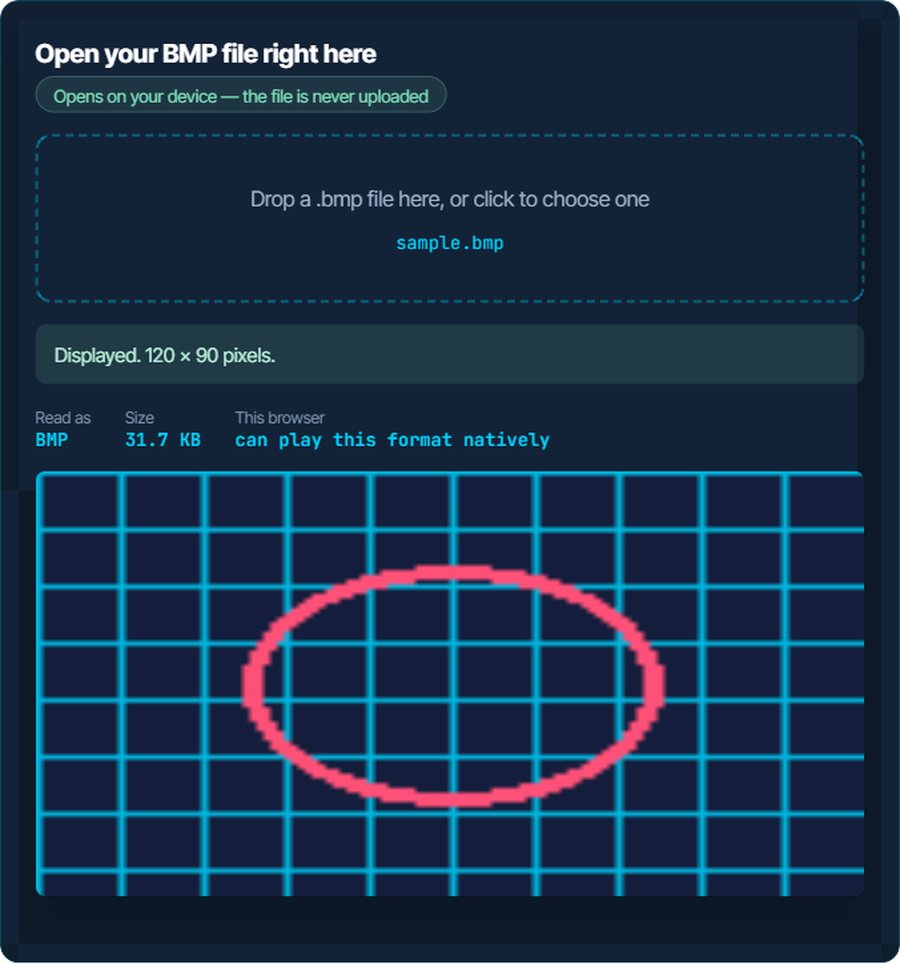
Because it is so simple, nothing refuses to decode it. The inspector above will display it in any browser. What refuses it is upload forms and websites that list only JPG, PNG and GIF, and email attachments that hit a size limit. Both are solved by converting to PNG, which is lossless, or JPG for a photo.
How to open a BMP file on each device
Windows
Photos, Paint, the legacy Photo Viewer and every image program open BMP. It is Windows' own format. Paint opens and saves it, and can save the same image as PNG in one step.
macOS
Preview, Quick Look and Photos open BMP. Preview exports it to PNG or JPG.
iPhone and iPad
Files and Photos display BMP, and Mail shows an attached one inline. Saving a BMP into Photos works; sharing it onward usually converts it to JPG automatically.
Android
Gallery, Google Photos and Files by Google open BMP. Some messaging apps refuse to send it as a picture and attach it as a document instead; convert to JPG or PNG first.
In a browser
Chrome, Firefox, Edge and Safari all display BMP, and have for decades. The box above uses exactly that.
In Photoshop, GIMP, Office and other editors
All of them open BMP. Word and PowerPoint insert it, but the document becomes as large as the bitmap; convert to PNG before inserting.
When it will not open, or opens wrong
The file is huge for what it shows
No compression. Every pixel is stored in full.
The fix: Convert to PNG. It is lossless, so the image is identical, and the file is typically five to twenty times smaller. JPG is smaller still for photographs.
A website or a form rejects the upload
Many forms list only JPG, PNG and GIF, and BMP is not on the list.
The fix: Convert to whichever the form names. PNG for screenshots and graphics, JPG for photos.
The email will not send, or the attachment is stripped
A handful of bitmaps exceed the attachment limit.
The fix: Convert to PNG or JPG. A 6 MB BMP screenshot becomes a 300 KB PNG.
Transparency is missing
BMP has no usable transparency. A transparent image saved as BMP got a solid background, usually black or white.
The fix: Nothing to recover from the BMP. Re-export the original as PNG. For an existing file, the background remover on kliptools.io can cut the subject out again.
The image is upside down or the colours are wrong in an old program
Some BMP variants store rows bottom-up or use unusual bit depths, and very old software guesses badly.
The fix: Open it in any modern viewer, which reads every variant, and save as PNG.
A game or a program insists on BMP
Old modding tools and some scientific software still read only bitmaps.
The fix: Convert to BMP with the image converter, which writes it from any format. Keep the PNG for everything else.
What to do with it next
Questions people ask
What is a BMP file?
A Windows bitmap: an image stored as raw pixels with no compression. It was Paint's default format for years. Every device opens it, and it is much larger than the same image as PNG or JPG.
How do I open a BMP file?
Double-click it. Photos, Paint, Preview, every browser and every image editor open BMP. Nothing needs installing on any platform.
How do I make a BMP file smaller?
Convert it to PNG on this site. PNG is lossless, so the image is identical, and the file is typically five to twenty times smaller. Use JPG for a photograph.
Does converting BMP to PNG lose quality?
No. PNG is lossless; every pixel is preserved exactly. Converting to JPG does lose a little, invisibly at high quality.
Why does a website not accept my BMP?
Upload forms usually list JPG, PNG and GIF and nothing else. Convert to PNG or JPG and upload that.
Is BMP better quality than JPG?
BMP is uncompressed, so it holds every pixel exactly, as PNG does. JPG discards detail to get small. For quality with a sensible size, PNG is the better lossless choice.