What a M4A file actually is
M4A is the MPEG-4 container holding only audio. The codec inside is usually AAC, the successor to MP3 that Apple adopted for iTunes in 2003, and sometimes ALAC, Apple Lossless, which is much larger. The same container with a different letter is .m4b for audiobooks and .m4p for the DRM-protected tracks iTunes sold before 2009. Those last ones are the only M4A files that no converter can open.
You are holding one because an iPhone made it. Voice Memos shares recordings as .m4a, WhatsApp on iPhone sends audio files as .m4a, QuickTime on a Mac records to it, and every iTunes or Apple Music download is one. On Apple devices it just works, which is why the question is almost always asked from a Windows PC or an Android phone.
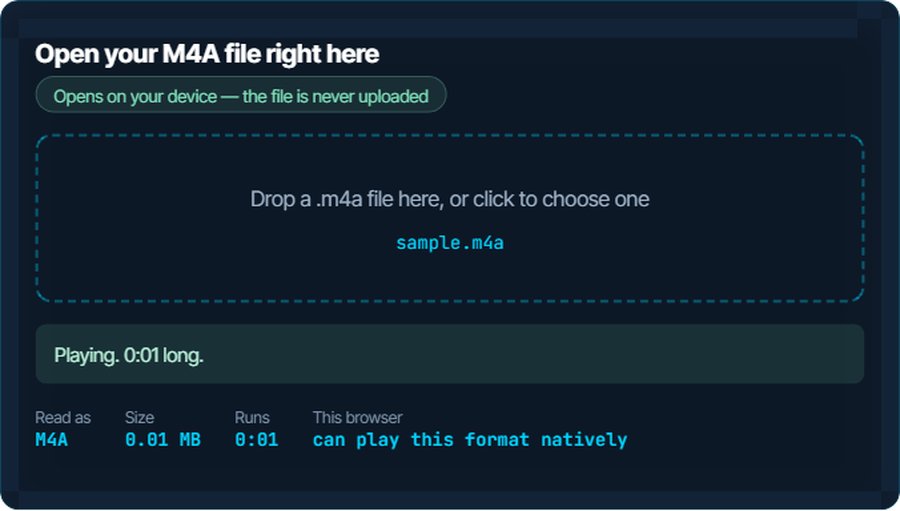
The good news is that both decode it natively. What actually goes wrong is narrower: Audacity refuses it until an extra library is installed, an old Android player refuses Apple Lossless, or the file is a protected .m4p wearing the wrong extension. The inspector above plays the file if your browser can, and the sections below cover the rest.
How to open a M4A file on each device
Windows
Media Player, the Films & TV app and Groove play AAC in an M4A natively, and Windows 10 and 11 decode Apple Lossless as well. Double-click works. VLC and foobar2000 play it too; Audacity needs its FFmpeg import library, see below.
macOS
Everything opens it: QuickTime, Music, the Finder preview, GarageBand, Logic. If an M4A does not open on a Mac it is a protected .m4p, whatever its extension says.
iPhone and iPad
Native. The Files app previews it, Voice Memos made it, Music imports it. There is nothing to do.
Android
Android has decoded AAC since version 3, so any player opens a normal M4A. Apple Lossless inside an M4A is the exception on older devices and third-party players; VLC for Android plays it, or convert to MP3 or FLAC below.
In a browser
Chrome, Edge and Safari play AAC M4A in an audio element. Firefox relies on the operating system's decoder, which works on Windows and macOS. Chromium builds without proprietary codecs cannot decode AAC, which is what the inspector reports if it cannot play yours.
In an editor or a video project
Premiere Pro, DaVinci Resolve, iMovie, Final Cut and Logic all import M4A. Audacity is the notable exception: it needs the optional FFmpeg library before it will open one, or you convert to WAV first, which takes ten seconds here.
When it will not open, or opens wrong
Audacity says it needs the FFmpeg library
Audacity ships without an AAC decoder for licensing reasons and asks you to download one separately.
The fix: Either follow its link and install the library, or convert the M4A to WAV below and drag that in. The WAV is bit-for-bit what the M4A decoded to.
iTunes or Music opens instead of the app you wanted
Installing iTunes on Windows makes it the default for .m4a. The file is fine.
The fix: Right-click, Open with, and pick Media Player or VLC, ticking Always. Or convert to MP3, which nothing hijacks.
Nothing will convert it, and the file came from iTunes years ago
It is a protected .m4p from the FairPlay era, possibly renamed. DRM-locked audio cannot be decoded by any converter, on this site or anywhere else.
The fix: The only routes are Apple's own: an iTunes Match subscription upgrades old purchases, or re-download the track from Apple Music without DRM. Nothing else is honest.
An Android player refuses it or plays static
The M4A is Apple Lossless rather than AAC, and that player does not decode ALAC.
The fix: Play it in VLC, or convert to FLAC for the same lossless audio in a format every player reads, or to MP3 for the smallest file.
The voice memo is quiet or full of room noise
A phone held at arm's length in an echoing room. The recording is what it is; the format did not cause it.
The fix: Run it through the noise reducer on kliptools.io, then the loudness normaliser, after converting to WAV or MP3.
You need the words, not the audio
An hour-long meeting memo is faster to search than to replay.
The fix: The speech-to-text tool on kliptools.io transcribes an M4A directly. Ten minutes a day are free.
What to do with it next
Questions people ask
What is an M4A file?
Audio in the MPEG-4 container, usually AAC and occasionally Apple Lossless. It is what iPhones, iTunes and QuickTime produce, and every modern device plays it.
How do I open an M4A file on Windows?
Double-click it. Media Player and the Films and TV app play it natively. If iTunes has taken over the file type, use Open with to choose another player.
Why will Audacity not open my M4A?
Audacity needs its optional FFmpeg library to decode AAC. Install it from the link Audacity shows, or convert the file to WAV on this site and open that.
Is M4A better than MP3?
At the same bitrate AAC sounds slightly better than MP3, and M4A files are usually smaller for the same quality. MP3 wins only on compatibility with very old devices.
Why can nothing convert my old iTunes song?
It is DRM-protected, an .m4p from before 2009. No converter can decode it. Apple's iTunes Match or a fresh download from Apple Music are the only ways to a clean copy.
Does converting M4A to MP3 lose quality?
A little, because both are lossy and the MP3 re-encodes what AAC already compressed. For speech it is inaudible. Convert to WAV or FLAC to lose nothing further.